
Authorised Pollo Security catalogue
Display & Control
13 products · price and availability confirmed on WhatsApp for Lahore
Narrow your search
Showing all 13 results
-
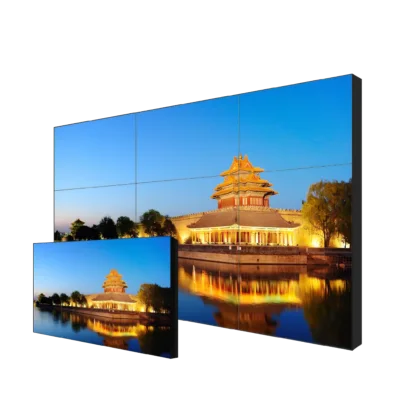
PLD-55PJ035P-LED-B
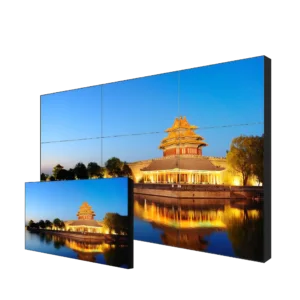
55-inch FHD LED-DID Splicing Video Wall 3.5mm Bezel
Contact for Price- Screen Size55"
- Display Resolution1920 × 1080
-
PLD-55PJ088P-LED-B
55-inch FHD LED-DID Splicing Video Wall 0.88mm Bezel
Contact for Price- Screen Size55"
- Display Resolution1920 × 1080
-
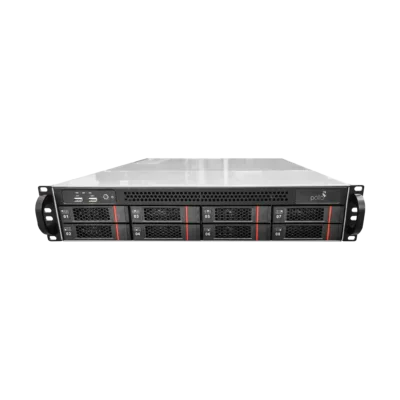
PLC-MSA708M1-A0
8-SATA Management and Storage Server
Contact for Price- Drive Bays8 × SATA
-
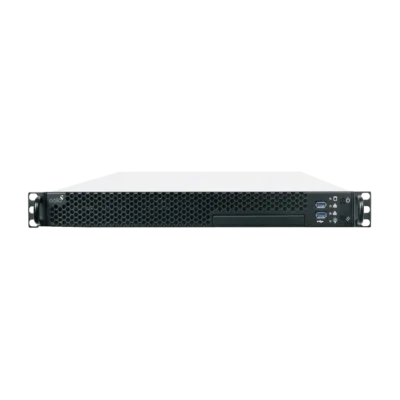
PLC-MSA510-MTC-E
All-in-One Management Server
Contact for Price- Screen Size19"
-
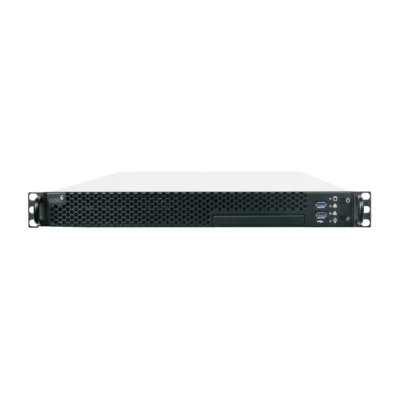
PLC-MSA510-MTSC-E
All-in-One Management Server with 2-SATA
Contact for Price- Screen Size19"
-
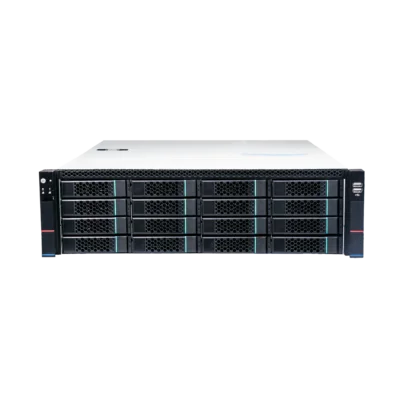
PLC-MS616E-E
16-SATA Management and Storage Server
Contact for Price -
PLC-SS316E-E
16-SATA Storage Server
Contact for Price -
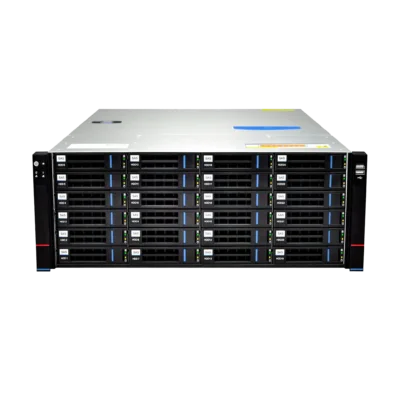
PLC-MS624E-E
24-SATA Management and Storage Server
Contact for Price -
PLC-SS324E-E
24-SATA Storage Server
Contact for Price -
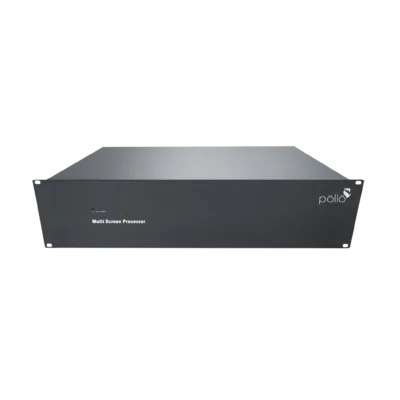
PLD 3000 2.5U
Video Wall Controller
Contact for Price -
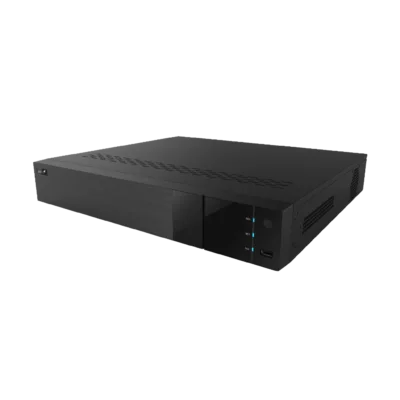
PLC D1104 PM
High-Definition Decoder
Contact for Price -
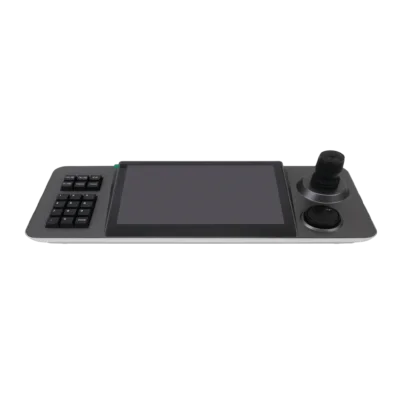
PLC-PTC-K23PM
Touch Screen PTZ Controller Keyboard
Contact for Price- Display Resolution1280 × 800
-
PLC-PTC-K12PM
PTZ Controller Keyboard
Contact for Price- Display Resolution320 × 240
About Display & Control
Everything on the viewing side of the system — monitors, LCD video walls, video decoders, control room controllers and PTZ joystick keyboards.Camera and recorder budgets are worked out carefully; the viewing side is often an afterthought, and then a 32 channel system ends up on one ordinary monitor where nobody can see anything. If a person is going to sit and watch, the display side deserves the same attention as the cameras.This category covers monitors and LCD video walls, the decoders that put camera streams onto those screens without loading the recorder, the controllers that manage layouts, and the joystick keyboards that make driving a PTZ camera practical rather than painful.
What Each Component Does
Surveillance monitors
Built for continuous operation, unlike a desktop or television panel which is designed for a few hours a day. Screen size is chosen from viewing distance and how many tiles you want on it.
LCD video wall panels
Narrow-bezel panels tiled into a grid to make one large canvas. Bezel width is the specification that decides how much the joins intrude on the picture.
Video decoders
Take streams from the network and drive the screens directly, so the recorder is not doing display work on top of recording work. Essential once channel counts rise.
Video wall controllers
Manage what appears where — layouts, scenes, a single camera enlarged across several panels, saved presets for different shifts.
PTZ keyboards and joysticks
A physical joystick with variable speed control is far better than a mouse for following a moving subject at zoom, and for jumping between presets.
Mounting and rack hardware
Wall structures, brackets and cable management. On a video wall this is a real engineering job, not an accessory.
Planning a Control Room That Works
- Start from viewing distance — How far the operator sits from the screen determines panel size and how many camera tiles remain readable. More tiles is not more useful past a point.
- Decide the standing layout — Most control rooms need one main overview layout plus a few saved scenes for shift change, incident review and specific areas. Design these before you buy the controller.
- Do not overload the recorder's display output — A recorder has a fixed decoding capacity for live display, separate from its recording capacity. Once you exceed it, use dedicated decoders.
- Check the wall structure — A tiled video wall is heavy and must be mounted true. An out-of-alignment panel is obvious and difficult to correct afterwards.
- Plan power and heat — Panels, decoders and the rack together generate real heat and load. Include this in the room's cooling and in the backup supply sizing.
- Think about who watches, and when — If nobody sits in the room overnight, spend less on wall area and more on event alerts and recording quality. We will tell you honestly which side your budget belongs on.
Typical Setups by Site
| Site | Usual display configuration |
|---|---|
| Shop or small office | A single monitor at the recorder, plus mobile viewing |
| Plaza or building management | Two or three monitors at the guard desk with saved layouts |
| Factory or warehouse | A small tiled wall in the security office, a decoder, and a PTZ keyboard for the yard camera |
| School or campus | Monitors in the admin office with restricted-rights viewing accounts |
| Multi-site business | A central room with a video wall and decoders pulling streams from each branch — see remote monitoring |
Contact for Price — Send Us the Room
A photo of the wall, the room dimensions, the seating position and your channel count is enough for us to propose a layout. Message us on WhatsApp or email info@strixlink.com.
Design and supply
Panels, mounts, decoders and controllers quoted as one package.
Installation
Wall structure, alignment, cabling and commissioning handled by our team.
Frequently asked questions
Can I use ordinary LED televisions for a video wall?
For a single display in a small office a good television will work, though a monitor rated for continuous operation lasts longer under 24 hour duty. For a tiled wall, televisions are the wrong product — the bezels are wide, the panels are not designed to align, and colour consistency between units is not guaranteed. Purpose-built video wall panels exist for exactly these reasons.
What does a video decoder actually do?
It receives camera streams from the network and outputs them to screens, taking that workload off the recorder. Recorders have a fixed capacity for live display which is separate from their recording capacity, so on larger systems a decoder is what lets you show many cameras at full quality without affecting recording.
Do I need a PTZ keyboard?
Only if someone actively drives PTZ cameras. A joystick with variable speed control makes following a subject at zoom genuinely practical, where a mouse is clumsy. If your PTZ runs on presets, tours and auto tracking with nobody watching, you do not need one — see the <a href='/shop/ptz-cameras/'>PTZ camera range</a> for how unattended operation is set up.
How many cameras can I show on one screen?
Technically a great many; usefully, far fewer. Past a certain tile count each image is too small for anyone to notice anything in it. We work backwards from the operator's viewing distance and recommend a layout people can actually monitor, plus saved scenes for zooming into an area.
Can I see cameras from several branches on one wall?
Yes, with decoders pulling streams from each site over the network, provided the connections at each branch can carry the streams. Bandwidth at the remote sites is usually the limiting factor rather than the equipment — see <a href='/solutions/remote-cctv-monitoring/'>remote CCTV monitoring</a> for how we handle that.
What sizes and configurations are available?
Panel sizes, bezel widths and grid configurations vary by model, and the specification sheet goes out with your quotation. Send us the wall dimensions and how far the operator sits and we will propose a grid that fits the room.
How is this priced?
Contact for Price on all displays, decoders, controllers and keyboards, and installation is quoted separately once we have seen the room. Message us on WhatsApp to start.
Not sure which model fits your site?
Send us the property type and how many cameras you need. We reply with the models that suit, current prices and Lahore installation charges.